Marketplace
Framer template requirements in 2026: what changed and what still matters
Framer no longer reviews templates before they go live. Here are the old rules it used to enforce, the 2026 best practices that replaced them, and what can still hurt you.
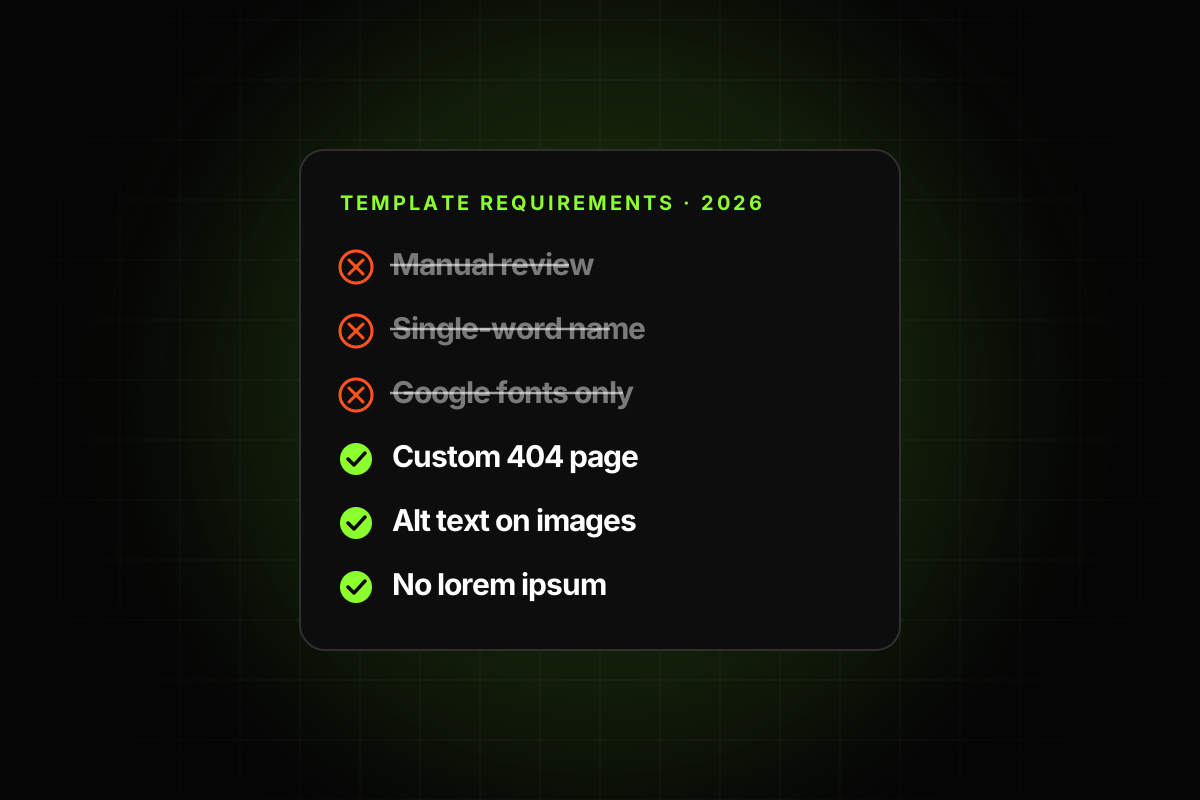
For years, getting a template onto the Framer Marketplace meant getting past a reviewer. You submitted, waited, got feedback, fixed things and submitted again. That ended on June 16, 2026. With Framer 3.0, templates no longer go through a review before they go live.
Framer’s Jorn van Dijk explained why in the announcement: the old review system “had outgrown itself”. It was “slow, created bottlenecks, was not always fair, and made it harder for new people to contribute.”
The page that used to hold the requirements is now called Template best practices. It says plainly that templates “can be published without manual review” and that “you are responsible for ensuring that your template is accurate, usable, and ready for buyers.” Asked whether the practices are mandatory, its FAQ answers: “No.”
So what used to be required, what is recommended now, and what can still hurt you? Here is the full picture.
What Framer used to check, and doesn’t any more
These come from the review-era guidelines, as reprinted by Checkout Page and Segment UI. None of them stands between you and the publish button today.
A manual review before going live. A first answer could take up to a week, and three or four rounds of feedback were normal. One creator wrote that a well-known template maker had 26 templates submitted and only 2 live after the first round. Now you publish when you’re ready.
A unique, single-word name, checked against existing templates and free of trademarks. There is no naming rule any more.
A preview published on a free framer.website URL. No longer checked.
Only default fonts or Google fonts packaged with Framer. Today it is a soft suggestion: “Framer fonts are used where appropriate.”
As few breakpoints as possible. The 2026 wording only asks that layouts “adapt cleanly across mobile, tablet, and desktop breakpoints.”
No Framer UI mockups inside the design. Gone from the list.
No external libraries for core functionality or visuals. Softened to “custom code is clean, minimal, and easy to understand” and “native Framer features are used when appropriate.”
Taste, judged by a person. “Follow current web design trends”, “apply strong graphic design principles”, “design unique page layouts” and “minimize filler content” were approval criteria. A reviewer decided whether you met them. Nobody does now.
Support as a condition of acceptance. You had to commit to supporting buyers to get in. Support is still expected, but nobody checks it up front.
Creators also held themselves to unofficial bars while they waited for review, like aiming for 100 in Lighthouse Accessibility, SEO and Best Practices. Those habits are still worth keeping. They’re just not what stands between you and the Marketplace any more.
What the 2026 best practices ask for
The current page (last updated September 15, 2026) groups its advice into 14 areas, plus two about your listing and your buyers. These are the concrete items worth building into your routine.
Originality and design
A clear audience or use case, with layouts that don’t reuse or lightly modify existing templates.
Consistent styling, shared text and color styles throughout, and a clear visual hierarchy.
A custom 404 page.
Layout, text and responsive
Stacks, grids and auto-height layouts that survive content changes, with no horizontal scrolling.
Placeholder and lorem ipsum text removed, and spelling checked.
No fixed sizes that break on smaller screens.
Links, CMS and code
mailto: and tel: links where people expect them, hover and active states on anything clickable, and no broken links.
Repeatable content in the CMS, clearly named collections and fields, and empty entries removed.
Embeds only when necessary, and custom code kept compatible with current Framer.
Assets, tags and accessibility
Assets in clearly named folders, duplicates removed, and external components up to date.
Semantic tags, a logical heading order, and meaningful alt text on images.
A title and description on every page, readable color contrast, and labeled form fields.
Performance and copyright
Framer’s performance checks reviewed, images optimized, and no large uncompressed files.
Assets that are original or licensed, and permission for any client work you include.
Your listing and your buyers
Preview images that match the template, the right categories, and setup needs and limits spelled out.
Support options explained, timely replies, clear refund terms, and no ads or unrelated promotions inside the template.
No review doesn’t mean no consequences
Framer says “moderation is becoming the new reviewing.” Its moderation team now decides what gets featured, works on ranking signals and guides creators on quality. You won’t be blocked from publishing, but low-quality, broken, misleading or copied work won’t be pushed to buyers. Anyone can report copied work, and moderators act on reports.
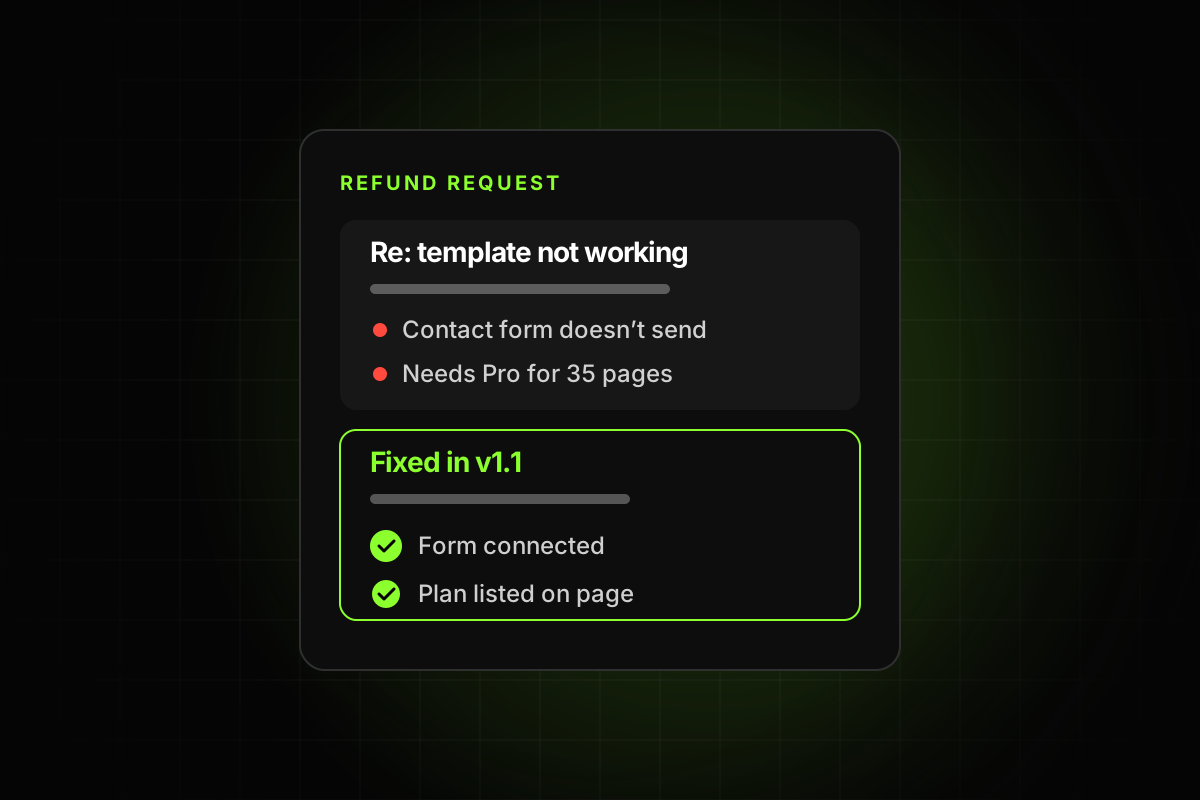
The rest of the pressure comes from buyers. A template with broken links or a collapsed mobile layout now reaches people before anyone else has looked at it. They find the problems for you, through support messages and refund requests.
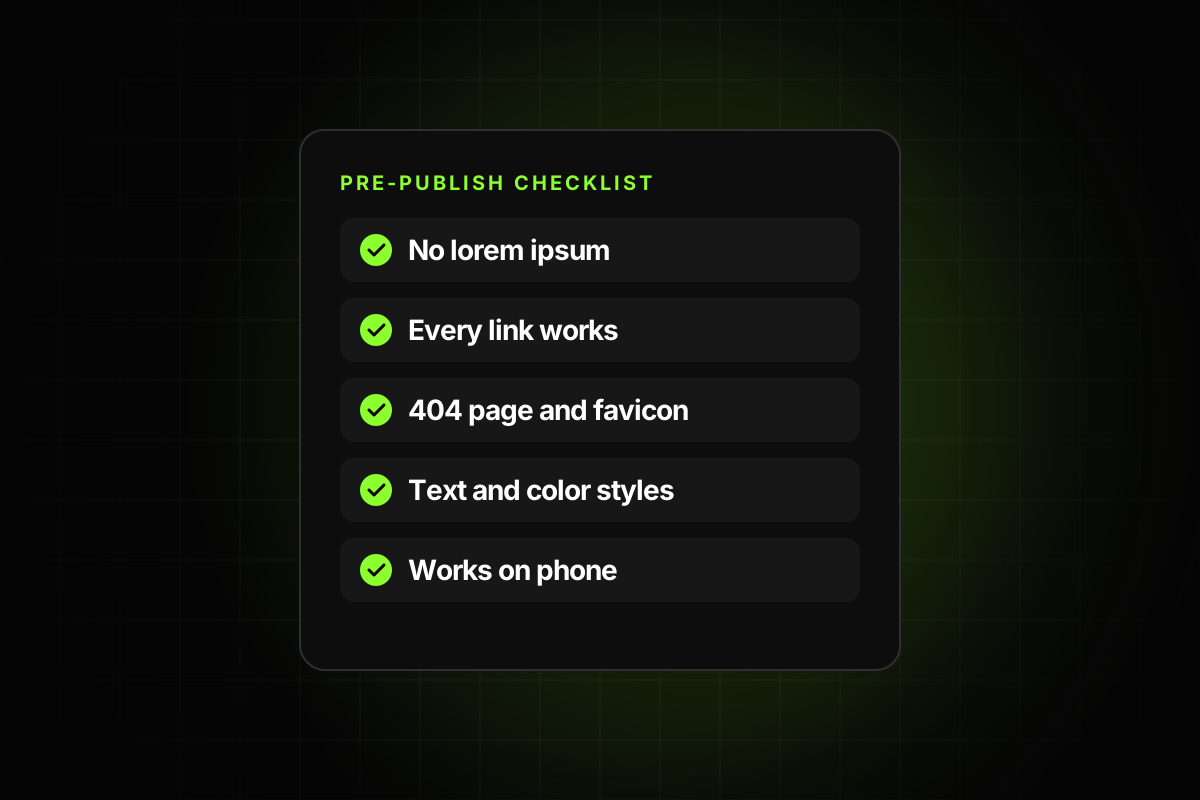
Your new pre-publish routine
Check every page at mobile, tablet and desktop widths, and resize slowly between them.
Click every link and button, including the footer and the 404 page.
Search for leftover placeholder text, test emails and stock logos.
Fill in page titles, descriptions and alt text.
Clean the CMS, the assets panel and the layer names.
Remix the template into a clean account and try it as a buyer would.
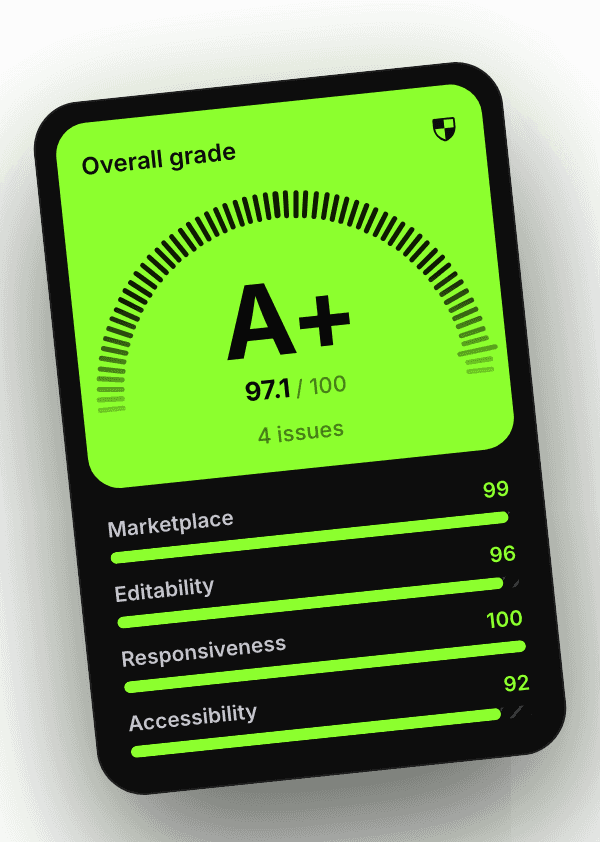
With no reviewer in the loop, the checking is your job. That’s why we built Template Checker: it runs these checks inside Framer, tells you exactly what to fix, and gives you a grade you can show buyers.