Marketplace
Framer template refund requests: why they happen and how to prevent them
Framer template refund requests land with the creator. Why buyers ask for refunds, how to prevent each cause and how to write and apply a refund policy.
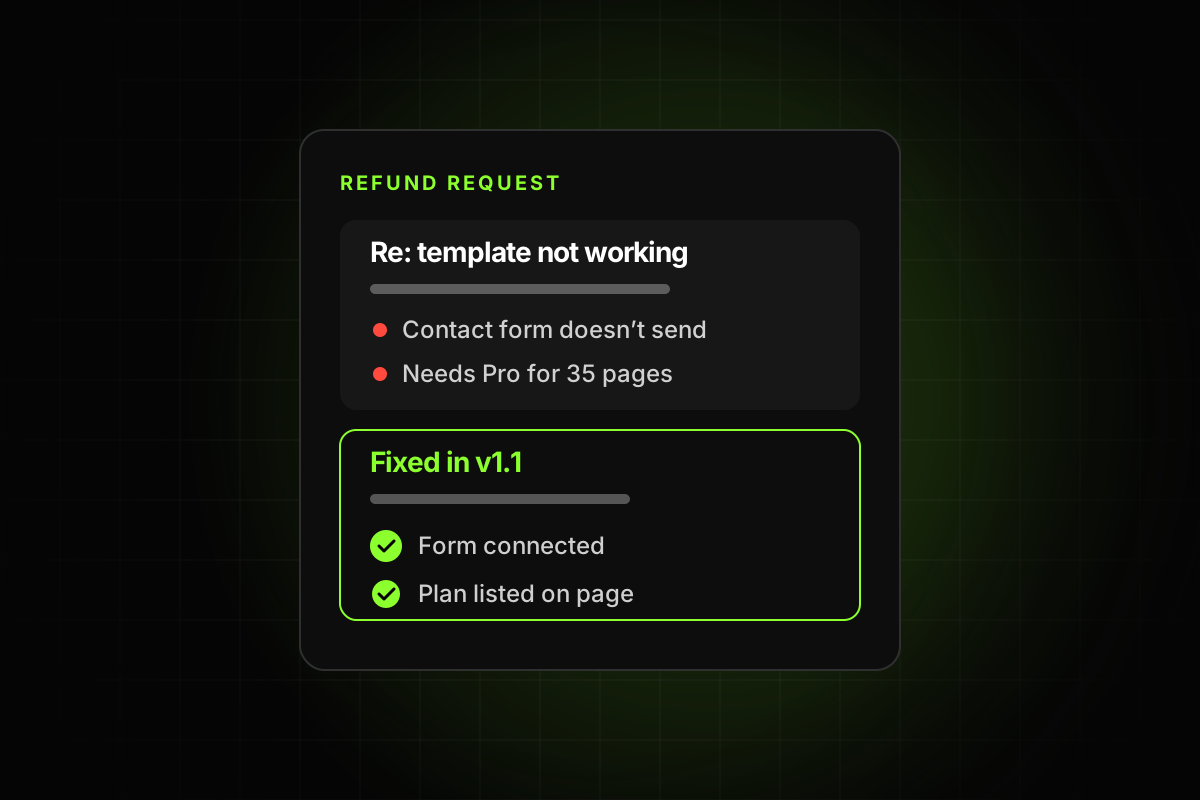
Framer template refund requests usually come from a gap between what the listing promised and what the buyer got: something broken, something missing, a plan requirement they didn’t expect, or a template that’s too hard to edit. Framer doesn’t process Marketplace payments or refunds, so every request lands with you, the creator. The fix is mostly upstream: a template that works, a listing that tells the truth, and a refund policy that’s written down before anyone asks.
This post covers how refunds work on the Framer Marketplace, the common reasons buyers ask for their money back, how to prevent each one, and how to answer a request when it comes in.
How Framer template refund requests work
Framer’s help article on how refunds work on the Marketplace is clear about the roles: “Purchases on the Framer Marketplace are made directly from independent creators. Framer does not process Marketplace payments or issue refunds.”
The buyer’s path, from the guide for buyers, looks like this:
The buyer contacts you through the Contact creator link or support email on your listing, with the product, the receipt, the reason and any screenshots.
If you don’t reply for about a week, they follow up.
If there’s still no answer, they contact Framer Support with proof they tried to reach you. Framer “cannot approve or issue refunds for Marketplace purchases,” but can “help facilitate communication with the creator.”
Two things follow. Your refund policy is whatever you wrote on your checkout page, and Framer’s payments guide asks sellers to include a clear refund or cancellation policy there. And a slow reply turns a small problem into an escalation, so answering fast matters as much as the policy itself.
Why buyers ask for refunds
Framer’s buyer guide says some creators “offer refunds for technical issues or critical bugs, while others may not offer refunds after a product has been downloaded or remixed.” Whatever your policy, the requests themselves tend to fall into a few groups.
1. Something is broken
Links that go nowhere, a contact form that doesn’t send, a menu that won’t close on a phone, a layout that overflows on tablet. These are the easiest to prevent and the hardest to argue with. A buyer who paid for a working site and got a broken one has a fair case.
2. It doesn’t match the preview
Preview images that show pages the template doesn’t include, a mockup instead of the real design, or features in the description that aren’t there. Framer’s best practices ask that “preview images accurately represent the template.”
3. It needs a plan they don’t have
According to Framer’s pricing page, the Basic plan allows 30 pages and 2 CMS collections, and Pro allows 150 pages and 10 collections. A template with 35 pages or 3 collections can’t be published as-is on Basic. If the listing doesn’t say so, the buyer finds out after paying, at the moment they try to go live.
4. It’s too hard to edit
The buyer tries to change the brand color and finds it set by hand on 200 layers. They change a heading and the layout breaks. They edit the footer on one page and the other pages don’t update. None of this is a bug, but it feels like one, and it can be enough for a buyer to decide the template wasn’t worth it.
5. Leftovers and placeholder content
Lorem ipsum on inner pages, the creator’s email in the footer, a form sending to the creator’s inbox, test CMS items. These make a template look unfinished even when the design is good.
6. No answer to a simple question
A buyer asks how to connect the form, gets no reply for a week, and asks for a refund instead. The best practices ask that “questions and support requests receive timely responses.”
How to prevent each one
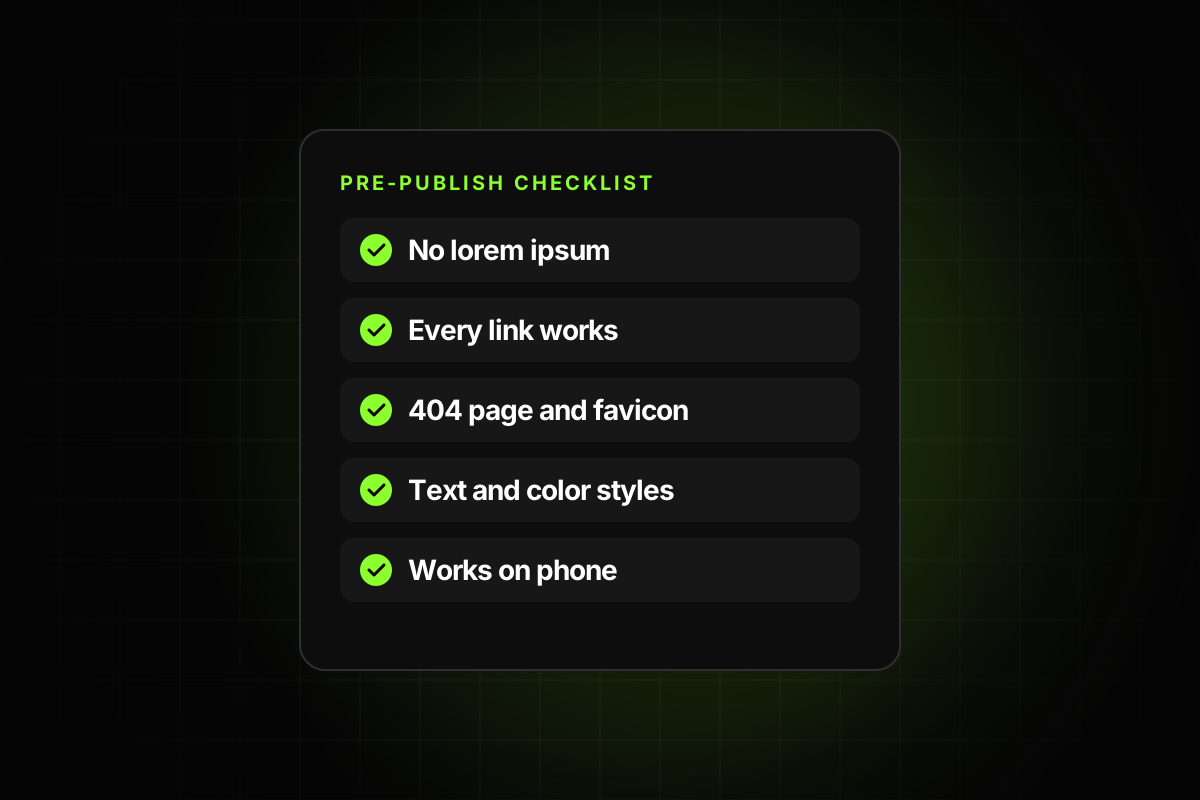
Broken things: click every link and button, submit every form, and check every page on desktop, tablet and phone before publishing. Our Framer template checklist lists everything worth testing.
Preview mismatch: take preview images from the published template. List pages, CMS collections and key components in the description.
Plan surprises: state the page count and CMS collections on the listing, and say which plan they need.
Hard to edit: use text and color styles everywhere, make repeated elements components, and use stacks so content can grow. See how to make a Framer template easy to edit.
Leftovers: search for placeholder text, remove personal details, and clear test CMS entries. Remix the template into a clean workspace and look at it as a stranger would.
Slow support: list a support email you read daily, and add short setup notes inside the template for the questions you get most.
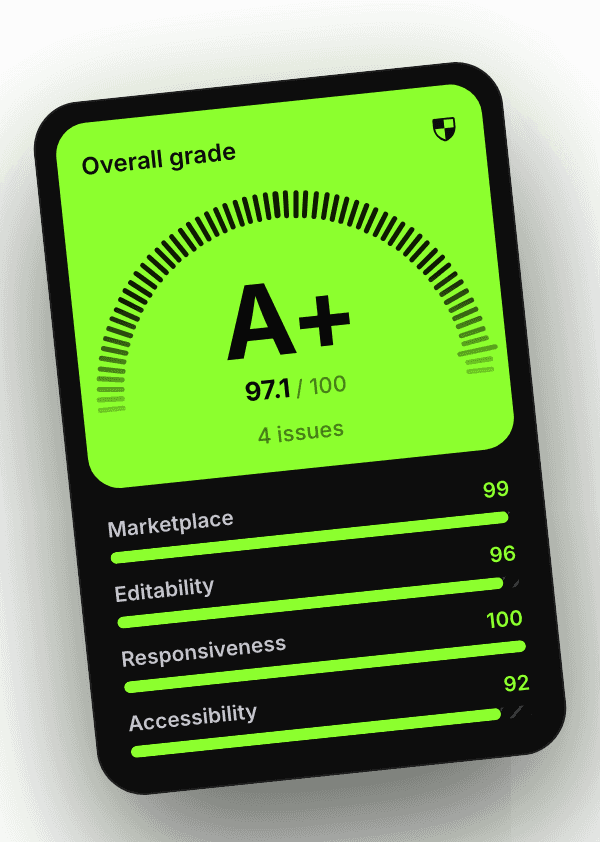
Most of the first five can be caught automatically. The Framer template checker plugin flags broken links, lorem ipsum, a missing 404 page or favicon, leftover personal info, colors and text without styles, copies that should be components and layouts that overflow on smaller screens. It treats the problems a buyer would ask a refund for as blockers, so the grade stays locked until they’re fixed.
Write a refund policy before you need one
A clear policy protects both sides. The buyer knows what to expect, and you have something to point to. It doesn’t need legal language. It needs to answer a few questions plainly:
When do you refund? For example: if the template has a bug you can’t fix within a set number of days, or if it doesn’t match the listing.
When don’t you? For example: change of mind after remixing, or missing features that were never listed.
What’s the time limit? A number of days from purchase.
How do they ask? The email address, and what to include.
What happens first? Many creators offer to fix the problem before refunding. Say so.
Put it on the checkout page and repeat it in the delivery email. Framer’s refund guide tells buyers to look for the policy “on the checkout page, in your confirmation email, or on your payment receipt.”
A note on “no refunds after remixing”: it’s a common policy, and it’s fair against change-of-mind requests. It’s weaker against a buyer whose template is actually broken. Being willing to fix or refund real defects keeps you out of escalations and keeps your reputation in the Community intact.
How to answer a refund request
When a request comes in, a calm, quick reply resolves most of them. A simple order:
Reply the same day, even if it’s just “Thanks, looking into it.”
Ask for specifics: the page, the device, a screenshot.
Reproduce it in a fresh remix of your template, not in your working file.
Fix it if you can, update the remix link, and send it to the buyer. Tell other buyers too.
Refund if your policy says so, or if you can’t fix it. A refund costs less than an angry post.
Write down the cause. Every request is a test case. Add it to your pre-publish checks so the next buyer doesn’t hit it.
Use refunds as feedback
A refund request is a buyer telling you exactly where the template failed. If three buyers ask how to change the font, the text styles aren’t where they expect. If two mention the plan, the listing isn’t clear. Track the reasons in a simple list, and fix the template and the listing together.
Over time, that list becomes your quality bar. It’s the same idea behind standing out on the open Marketplace: with no review, the templates that keep selling are the ones whose creators treat every complaint as a bug report. If you’re just starting out, our guide on how to sell Framer templates covers the full setup, including checkout and delivery.