Marketplace
How to sell Framer templates in 2026
How to sell Framer templates in 2026: publish with no review, add a checkout link, keep 100% of sales, earn referral income and handle support.
To sell Framer templates in 2026, you build a template, publish it from the Marketplace section of the Framer Community, and attach a checkout link from a payment platform you choose. There is no review step any more. According to Framer’s publishing guide, “templates are published immediately after you submit them.” You keep 100% of each sale, and you can earn a referral commission when buyers upgrade to a paid Framer plan.
That makes the mechanics simple. The hard part has moved: since anyone can publish, you need a template that works when a stranger opens it, a listing that explains it, and a way to handle support and refunds yourself. This guide walks through each step, in order.
What changed for people who sell Framer templates
Until June 2026, every Marketplace template went through a manual review. With Framer 3.0 that review was removed, as covered in our breakdown of the 2026 template requirements. Three things follow from that:
Publishing is instant. You submit, and the listing is live.
Quality is your job. The Template best practices page is guidance, not a gate. Nobody checks your template before buyers do.
Competition is wider. More templates go live, so a working, well-presented template stands out more than it used to. Our post on how to stand out on the open Framer Marketplace covers visibility in detail.
Step 1: Pick a clear audience
The first item in Framer’s best practices is that “the template is built around a clear audience or use case.” A template for “startups” competes with hundreds of others. A template for a dental clinic, a podcast, a mobile app waitlist or an architecture studio has a buyer who can see themselves in it.
A quick way to test an idea:
Can you name the buyer in three words? (“Solo wedding photographers.”)
Does the content structure fit them? A photographer needs galleries and an inquiry form, not a pricing table with three SaaS tiers.
Would they need the CMS? Portfolios, blogs, case studies and listings usually do. If so, plan the collections before you design pages.
Step 2: Build it so a buyer can edit it
A buyer’s first hour with your template decides whether they keep it. They will change the brand color, swap the font, replace every image and rewrite every heading. If that takes an afternoon of clicking through layers, they’ll ask for their money back.
The essentials:
Text and color styles everywhere. The best practices ask that “shared text and color styles are used throughout the template.” One change to a style should update the whole site.
Components for anything repeated. The navigation, footer, buttons and cards should be components, so editing the primary updates every page.
Stacks and auto-height layouts, so longer headings and extra list items don’t break the design.
Named layers and assets. “Frame 412” tells the buyer nothing.
We wrote a full guide on how to make a Framer template easy to edit, including a test you can run with a friend in 20 minutes.
Step 3: Remove what buyers hit first
Some problems show up within minutes of a purchase. Framer’s publishing guide asks you to “test your template across different browsers and screen sizes” and “fix any bugs, broken links, or performance issues” before you publish. In practice, check for:
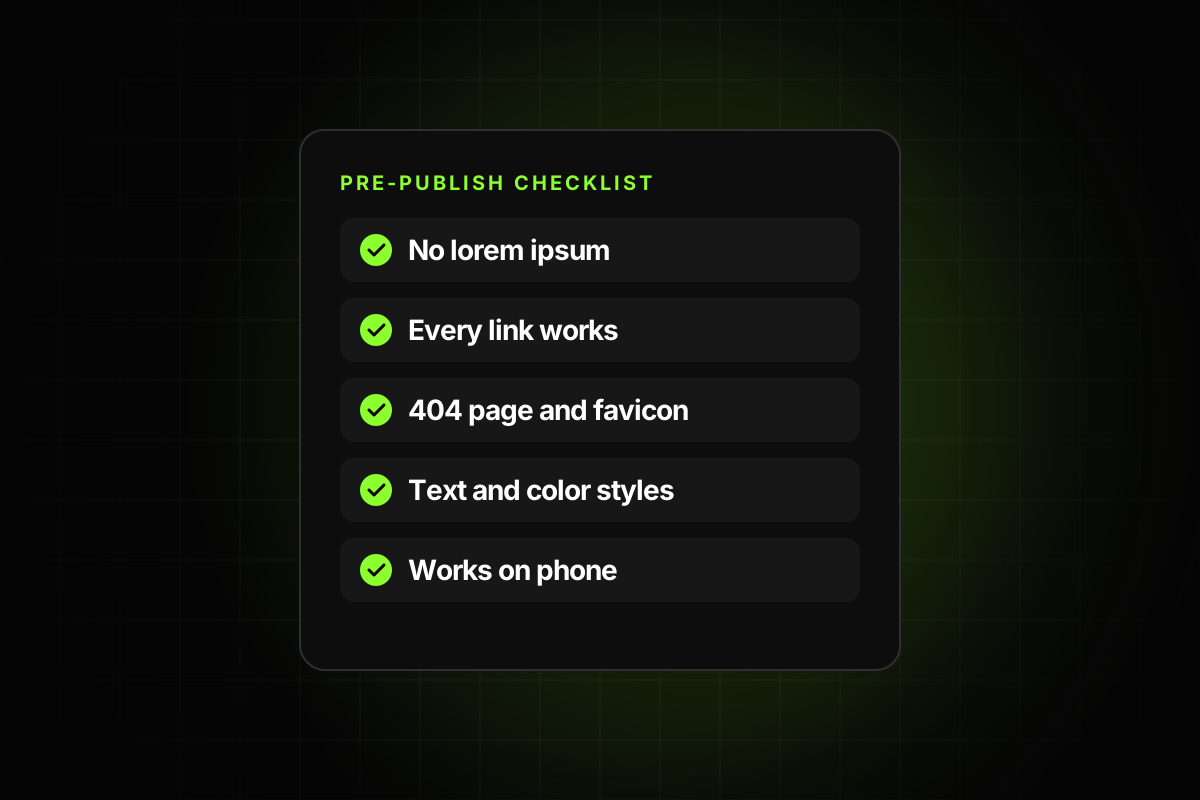
Broken links and buttons that go nowhere, including social icons pointing at your own profiles.
Lorem ipsum and placeholder text left on inner pages.
A missing custom 404 page or favicon.
Layouts that overflow on tablet and phone.
Your own name, email or analytics code left in the project.
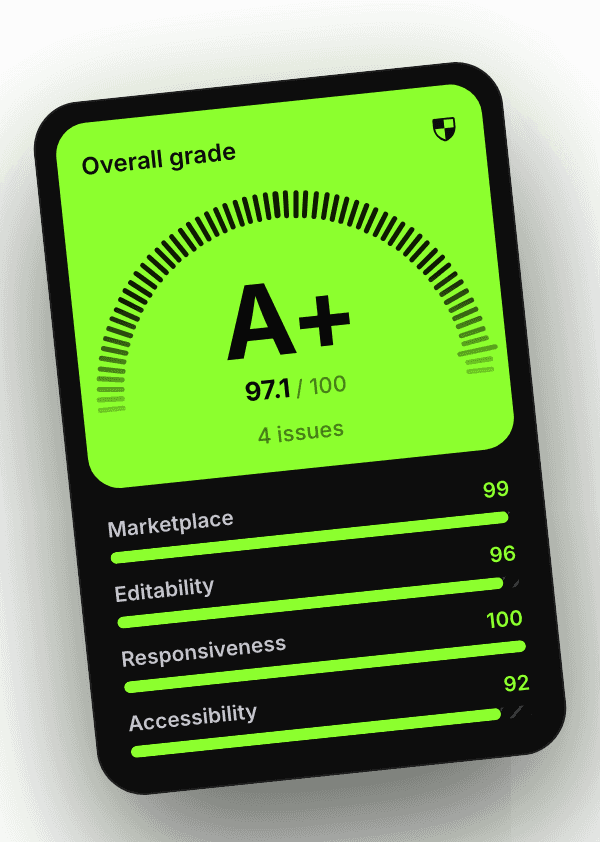
Our Framer template checklist lists every item worth checking, grouped by category. If you want to automate it, the Framer template checker plugin scans the project and the published site and lists each issue with the layer it affects.
Step 4: Set up a checkout link
Framer doesn’t sell the template for you. The payments help article explains that you can use “any platform that provides a direct payment link, such as Contra, Stripe, or Gumroad.” When someone clicks Purchase on your listing, they go to your checkout page.
After the payment, delivery is also on you. Most creators send a remix link, which copies the project into the buyer’s workspace. The same article asks sellers to include a clear refund or cancellation policy on the checkout page.
A practical setup:
Create the product on your payment platform with the template name, a short description and the price.
Put the remix link in the delivery email or on the confirmation page, not in the public description.
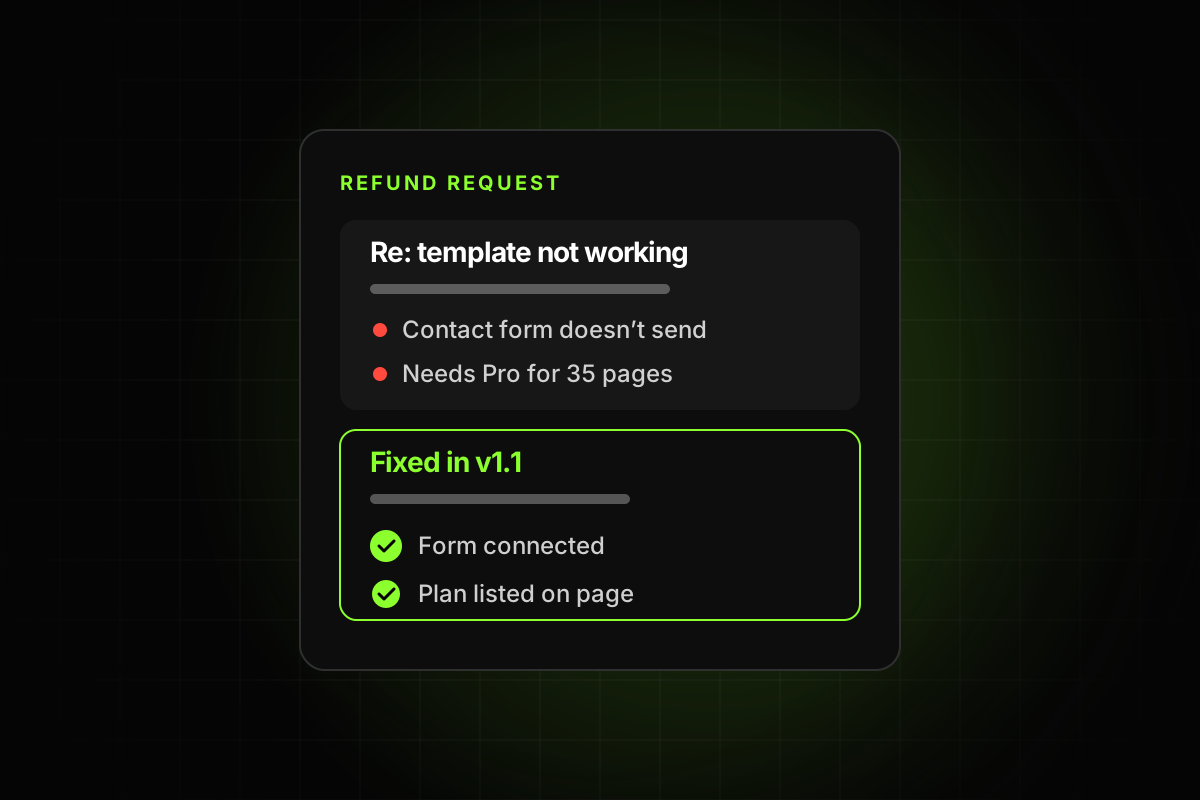
Write the refund policy in plain words before your first sale. See why Framer template refund requests happen for what to put in it.
Make a test purchase yourself, then remix the template from the delivery link into a clean workspace.
Step 5: Publish the listing
From the publishing guide: open the Marketplace section in the Framer Community, hover over Create Listing and click Template. You then fill in the name, byline and description, add images, categories, styles and features, and provide a preview URL and a remix URL. You can also write a post for the Community feed. Then click Submit.
The best practices add a few listing items worth taking seriously:
“Preview images accurately represent the template.” Show real pages, not a mockup of pages that don’t exist.
“The description clearly explains the template’s value.” Say who it’s for and what’s included: number of pages, CMS collections, components.
“Setup requirements and limitations are clearly communicated.” If the template needs a Pro plan for its page count or CMS collections, say so.
That last point matters more than it seems. According to Framer’s pricing page, the Basic plan includes 30 pages and 2 CMS collections, while Pro includes 150 pages and 10 collections. A template with 40 pages or 4 collections needs Pro to publish as-is. A buyer who finds that out after paying has a fair reason to be upset.
You can edit the listing, images, pricing and description at any time after publishing, and you can also sell the same template on other platforms.
Step 6: Price it
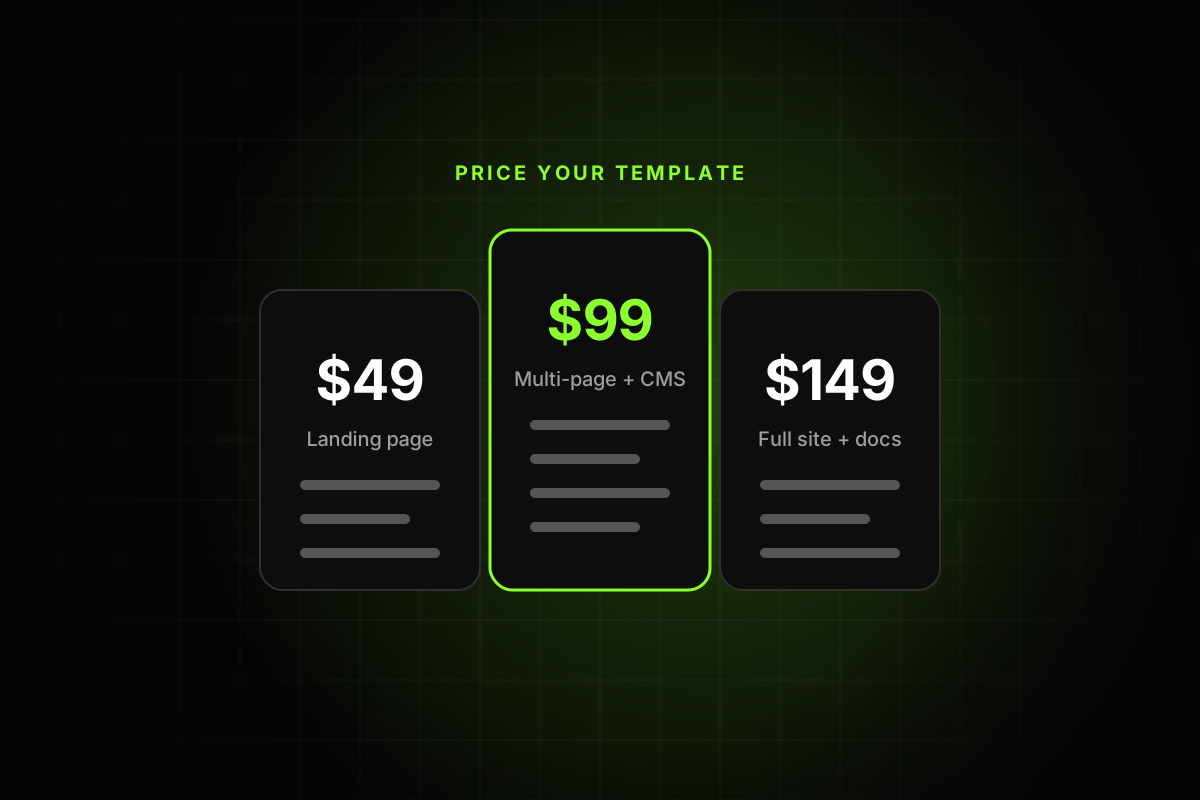
On October 18, 2026, the first 24 templates on the Marketplace templates page were 15 free and 9 paid, with paid prices from $39 to $149 (plus one at $2). A recent buyer’s guide puts most paid templates “between $49 and $99.”
Free templates still earn money. Our guide on how to price a Framer template goes through free versus paid, price tiers and when to raise prices.
Step 7: Earn referral income
Framer pays creators when people upgrade through their templates. Under Framer’s affiliate terms, the commission is “fifty percent (50%) of subscription payments for the first twelve (12) months for each subscription.” Payouts are monthly for referrals from two months earlier, once your unpaid balance is over $200.
The Creator Program page notes that “only templates are eligible for referral commissions”, and that you join automatically when you publish a template. Referrals are tracked through your remix links, which are powered by Dub. This is why many creators publish at least one free template: every remix that leads to a paid plan earns a share of it.
Step 8: Support buyers and keep the template current
Framer doesn’t handle support or refunds for Marketplace purchases. Buyers are told to contact the creator first, and Framer only steps in to help with communication if a creator doesn’t reply for about a week (how refunds work).
The best practices ask that “questions and support requests receive timely responses” and that “buyer-facing templates are maintained and updated.” A simple routine covers both:
Use a support email you check daily, and put it on the listing.
Keep a short FAQ in the template itself, on a hidden page or in the description, covering fonts, CMS setup and how to change the brand color.
After each Framer release, open the template and check that nothing broke. Our summary of everything that changed in Framer 3.0 is a good example of how much one release can move.
When you fix something, update the remix link and tell past buyers. It’s also a reason to post in the Community feed again.
A short launch checklist
A clear buyer, named in the description.
Text styles, color styles and components in place.
No placeholder text, broken links or leftover personal details.
A custom 404 page and favicon.
Checked on desktop, tablet and phone.
Checkout link working, delivery tested, refund policy written.
Plan requirements stated on the listing.
Support email on the listing.
Selling Framer templates is no longer about getting approved. It’s about shipping something a buyer can open, edit and launch without writing to you. Do that, and the listing, the reviews and the referral income follow.