Marketplace
How to stand out on the open Framer Marketplace
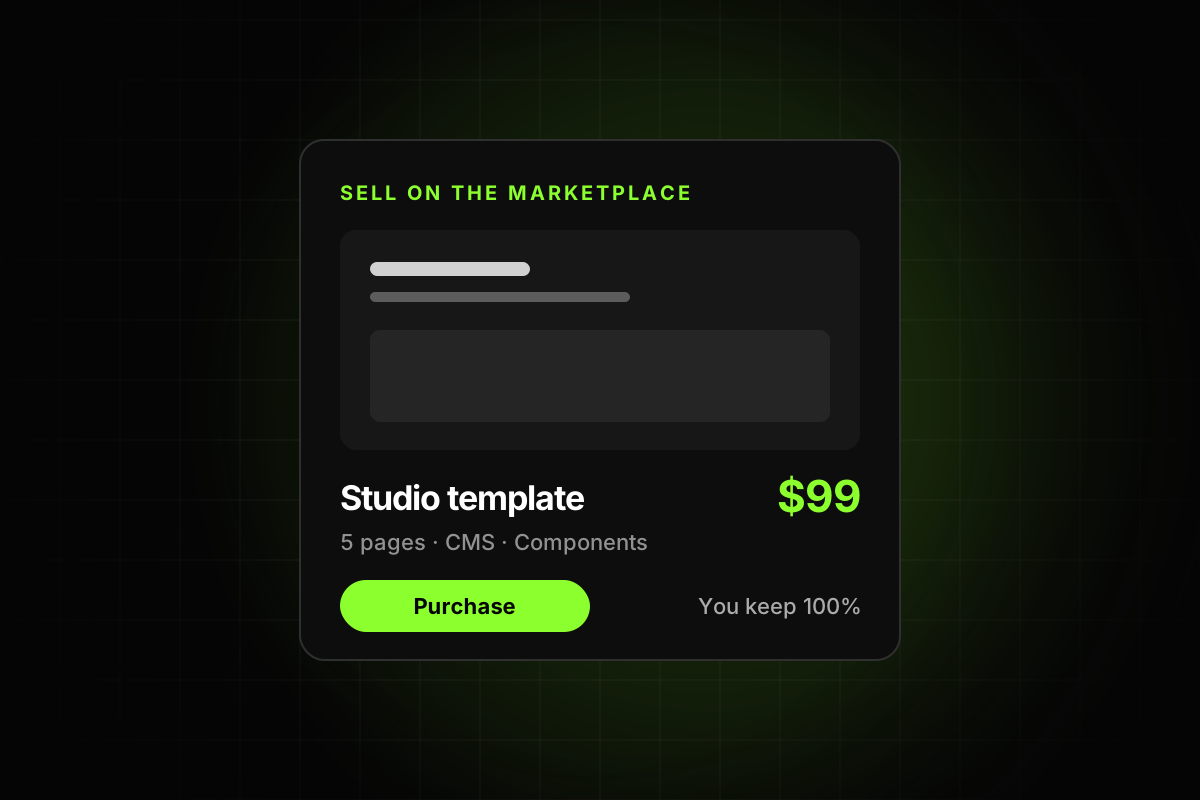
Anyone can publish now, so getting approved is no longer the hard part. Getting noticed is. Six ways to earn visibility.

Before Framer 3.0, getting accepted was the hard part. Once your template passed review, being in the Marketplace already meant something. Since June 2026 anyone can publish, so the hard part has moved. The question is no longer “will I get approved?” but “will anyone notice?”
Here is how visibility works now, and what you can do about it.
Visibility is earned, not granted
Framer describes its ranking as “a discovery system”, not a permanent scoreboard. It should “help fresh, good work get seen” and “change over time.” Work that stops resonating moves down, and creators who stay consistent stay visible. Moderators decide what gets featured, and they won’t surface broken, misleading or copied work.
In practice, two things move you up: a product people like, and people arriving to see it.
1. Be specific about who it’s for
A crowded Marketplace punishes vague templates. Frameplate puts it well: “a modern SaaS template” is invisible, while “a template for AI startups launching their first waitlist” or “a portfolio template for freelance product designers” finds its buyer.
Framer’s best practices start in the same place. The first item under Originality is that “the template is built around a clear audience or use case.” Pick the buyer first, then design for them.
2. Make the listing honest and clear
Use preview images that show the real template, not a nicer version of it.
Pick the categories that actually fit.
Open the description with what the template is for and who should buy it.
Spell out what needs setting up, such as fonts, plugins or third-party forms, and what the template doesn’t do.
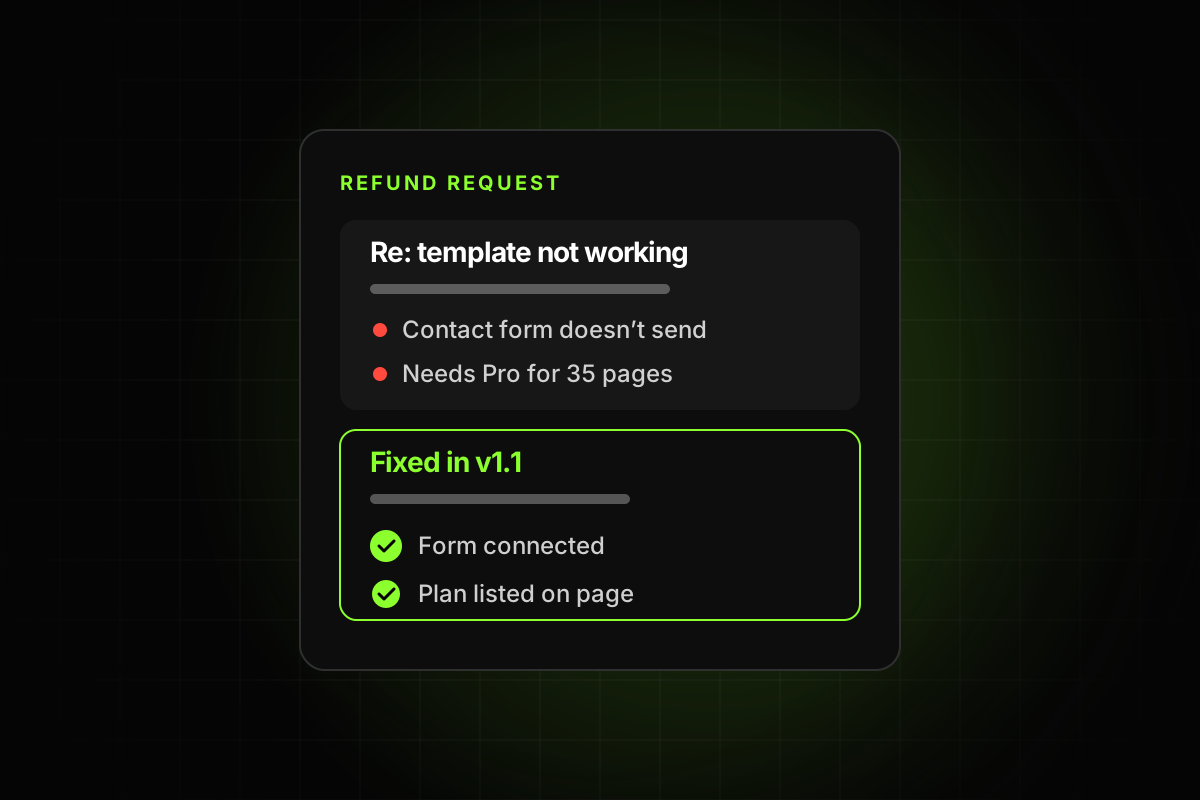
Overselling might win a sale, but it also wins refund requests, and moderators act on misleading listings.
3. Let buyers see the quality
Without a review, “it’s on the Marketplace” no longer tells a buyer anything about quality. So show it:
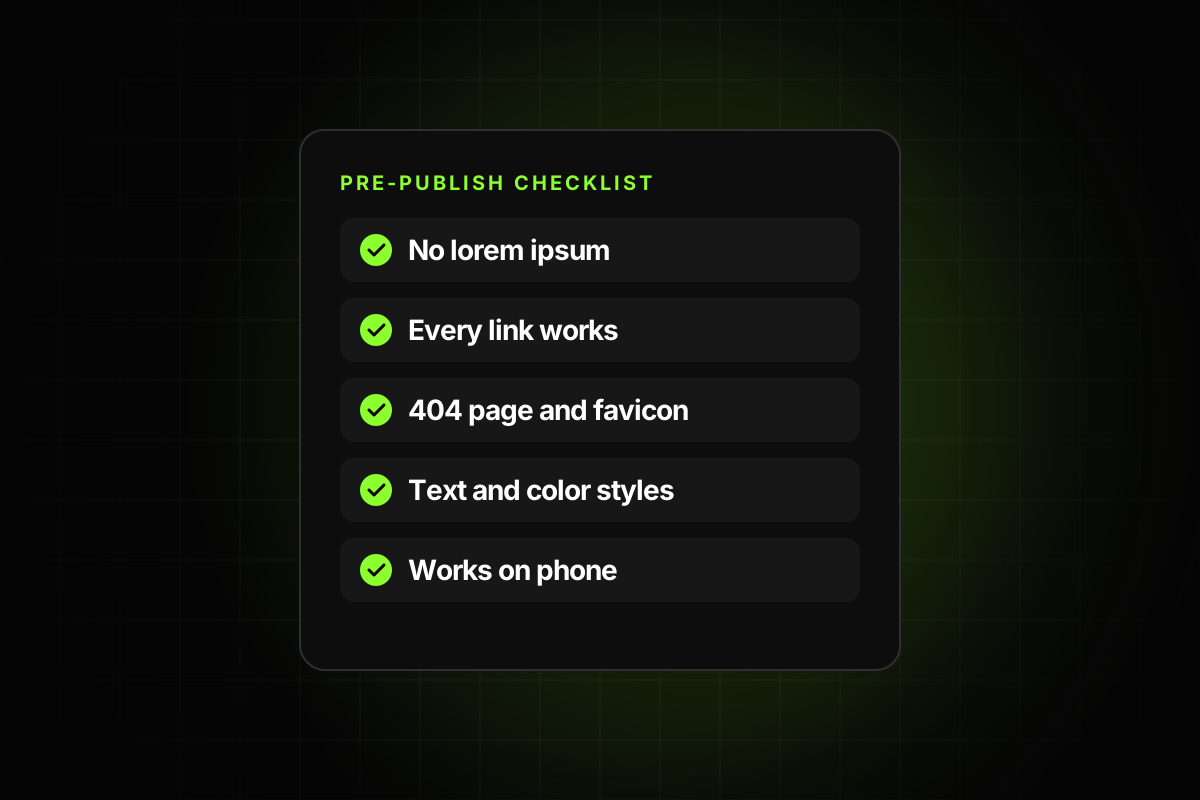
A preview site that works perfectly on a phone, because many buyers check there first.
Realistic demo content instead of lorem ipsum, and a custom 404 page.
A short setup guide or video.
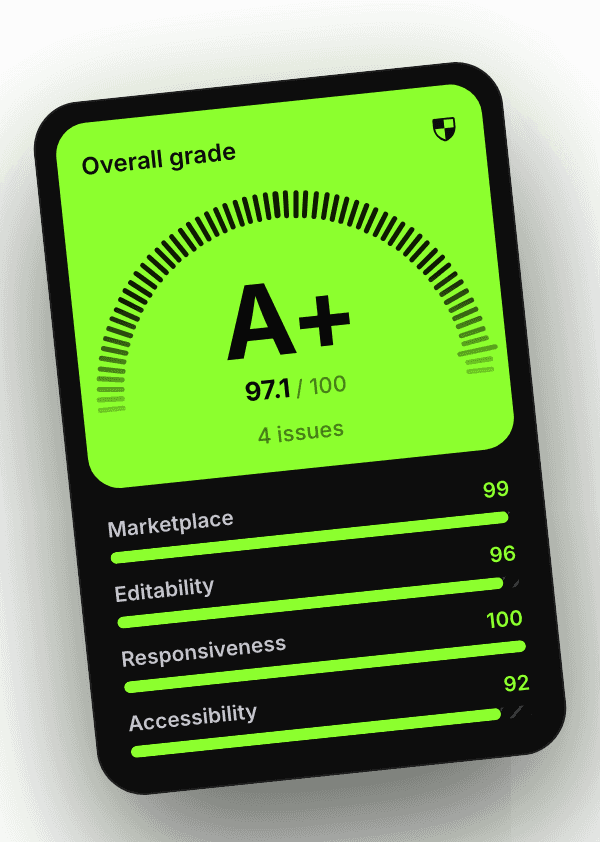
Proof you can link to. A shared Template Checker report, for example, shows a grade with the date and scoring version, so buyers don’t have to take your word for it.
4. Support and update like a product
The best practices ask that support options are “clearly explained”, that questions get “timely responses”, that “refund terms are clearly communicated” and that templates are “maintained and updated.” Each Framer release, each bug a buyer finds and each new section people ask for is a reason to ship an update, and a reason to tell people about it.
5. Bring your own traffic
The most direct advice in Framer’s announcement is this: “The most serious creators do not rely on the Marketplace as their only source of traffic.” Building in public on X, a personal site, a newsletter, short videos and launches on other template sites all send people to your listing. That engagement helps ranking too.
6. Protect your work
If someone copies your template, report it. Framer says moderators review copied work and act on it.
The Marketplace now rewards what buyers always cared about: a template that fits them, works on every screen and comes with someone who answers. Getting noticed starts with being worth noticing.