Framer
Framer 3.0: everything that changed
Agents, Branching, external agents, a new Community with no review, and new pricing. What each feature does and what it means for template creators.
Framer 3.0 launched on June 16, 2026, and everything shipped the same day, with no waitlist. Its four headline features were Agents, Branching, a new Community and an all-new design. Here is what each one actually does, what it costs, and what it means if you build templates.
Agents: AI inside the canvas
The Agent lives in a new tab in the right-hand panel. In Framer’s words, it can “design entire pages, iterate with you, make breakpoints, add effects, create components, write code, connect to the CMS, share site analytics, organize styles, and so much more.”
It works on the real project, not on a mockup. It reads your canvas, places its output on the page and edits alongside you. Every message creates its own rollback point, so a bad result is one click from undone. If a result is unusable, you can mark it as bad and get the credits back.
We wrote a separate guide on how to work with Agents day to day.
Branching: try changes without touching the live site
Every project now has a main branch. Framer’s help docs describe the flow. You create a branch from the branch menu next to the project title and work on it freely. Publishing a branch gives you a preview URL to share, and it “does not affect main or your live site.” When you’re happy, you open Review Changes, check the diff and click Apply.
Applying updates main but doesn’t publish it. You still publish main yourself. Branches pair naturally with Agents: let the Agent work on a branch, review what it did, and only then apply. According to the pricing page, Branching is included on Pro and Enterprise.
External agents: Claude Code, Cursor and Codex
Framer 3.0 also lets outside AI tools work on your project. You run an install prompt in your tool of choice, run the /framer skill and approve access in the browser. No separate MCP server setup is needed.
Once connected, the agent can inspect the project, update CMS content, create branches, import files, run audits and even publish, without the project being open. External agents are marked as a preview feature on the Pro plan. Early recaps note that their work runs on your own AI subscription rather than Framer’s credits.
Community: one home, no review
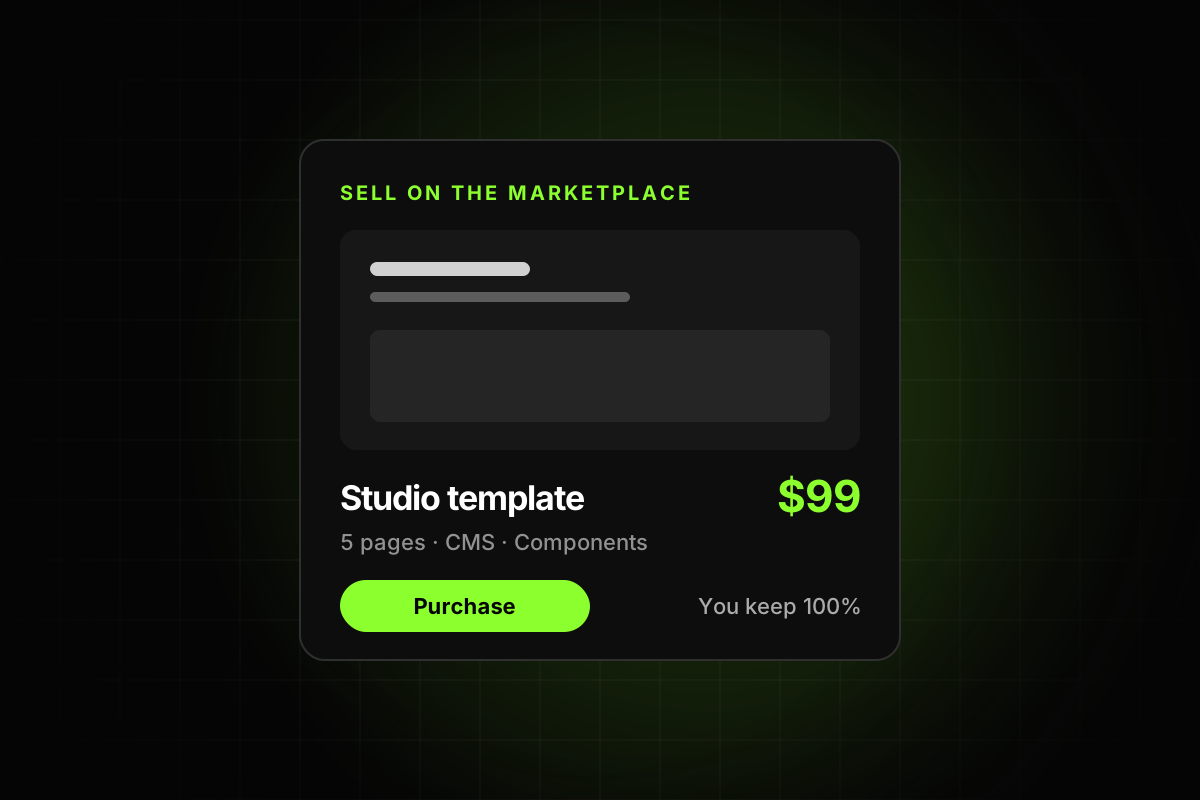
The Marketplace, Gallery and creator feed now live together under Community. The biggest change is how resources get in: the pre-publish review is gone, and creators publish templates, components, plugins and more when they’re ready.
Moderation now decides what gets featured, and ranking is meant to “help fresh, good work get seen”, as Framer put it in the announcement. We cover what that means for quality in Framer template requirements in 2026.
A new design
The editor got a full visual refresh. The most practical change is the right panel, which now splits into Style and Agent tabs. While an agent works, the canvas shows which layers it is touching.
Plans and pricing
From Framer’s pricing page:
Free: $0, with 500 AI credits to try Agents.
Basic: $10 a month, with monthly credits and a custom domain.
Pro: $30 a month, adding Branching and the external agents preview.
Enterprise: custom pricing, with volume credit discounts.
Extra editors are $20 a month, and content-only editors are $10.
Credits are shared across the workspace, renew every billing cycle and don’t roll over. What a prompt costs depends on how much work the Agent does, so a small edit costs far less than a full page.
What it means for template creators
Templates become starting points. Buyers will ask an Agent to adapt your template, so clean structure, named layers, shared styles and a tidy CMS matter more than ever. Frameplate makes the same point: both people and agents now work on top of your template.
Anyone can publish, so the Marketplace gets more crowded and vague templates struggle.
Quality control is yours. With no reviewer, the bugs a reviewer used to catch now reach buyers unless you catch them first.
Framer 3.0 makes building faster than ever. It also makes checking your work before you ship it more important than ever.