Marketplace
How to price a Framer template
How to price a Framer template: real Marketplace prices, free versus paid, referral income, what justifies a higher price and when to change it.
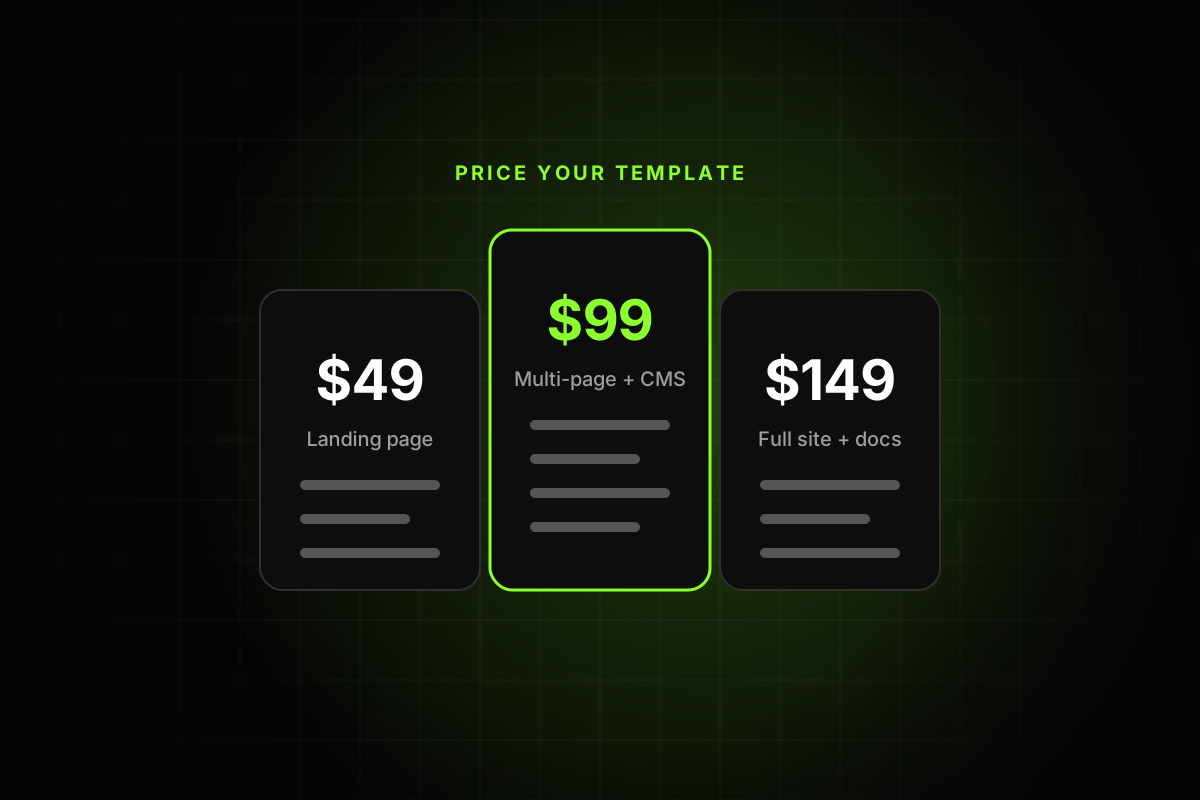
To price a Framer template, start from the market range, then adjust for scope, niche and how complete the template is. On the Marketplace today, paid templates mostly cost between $39 and $149, and many good templates are free. A focused single-page template usually lands near the bottom of that range. A multi-page template with a CMS, many components and clear documentation can justify the top. Because Framer takes no cut of sales, the price you set is what you earn, minus your payment provider’s fee.
This post covers the numbers we could verify, the free versus paid decision, what pushes a price up or down, and when to change it.
What templates cost on the Marketplace
There’s no official pricing data from Framer, so here is what we could check directly. On October 18, 2026, the first 24 templates on the Marketplace templates page were:
15 free and 9 paid.
Paid prices of $39, $49, $69, $99, $129 (three times) and $149, plus one at $2.
That’s a small snapshot, not a survey. A recent buyer’s guide describes the wider range as “free to around $199, with most paid ones between $49 and $99.” Both point the same way: under $50 is cheap for a paid template, $99 to $149 is premium.
How Framer pays you
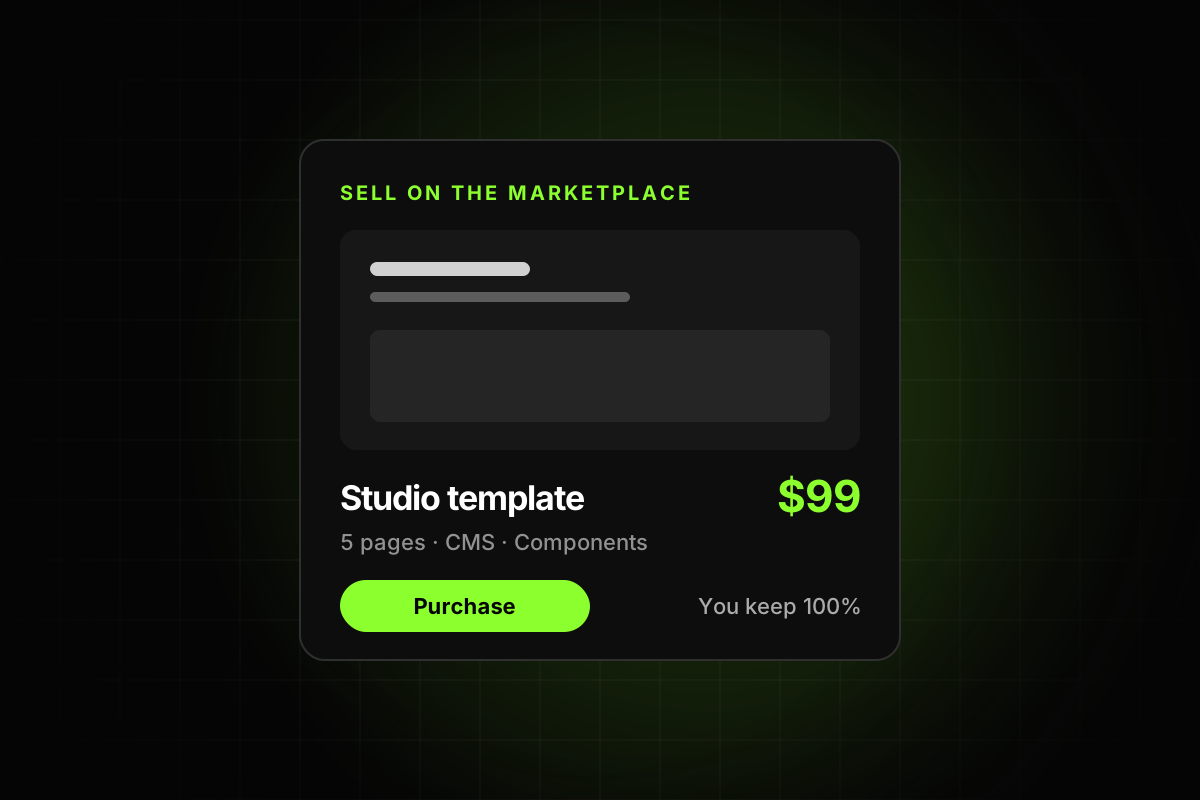
Framer’s publishing guide says “you keep 100% of your template sales.” You set the price on your own payment platform. Framer’s payments guide mentions Contra, Stripe and Gumroad as examples, and your listing’s Purchase button sends buyers to that checkout. Your payment provider charges its own fee, so check theirs before you settle on a number.
There’s a second income stream. Under Framer’s affiliate terms, you earn “fifty percent (50%) of subscription payments for the first twelve (12) months” for subscriptions that come through your referral. The Creator Program page notes that only templates qualify for this. Free templates earn it too, which is why the free versus paid decision is less obvious than it looks.
Free or paid?
Free templates get more remixes, more visibility and more referral income. Paid templates earn per sale and attract buyers who are more committed. Many creators do both. Some reasons to go free:
It’s your first template and you want feedback and a following.
It’s small, like a single landing page or a waitlist.
The niche is broad and you want volume.
It leads to a paid “Pro” version with more pages.
Some reasons to charge:
It’s a complete site with several pages and a CMS.
It serves a specific business that will earn money with it.
You’re ready to support buyers, because paying buyers expect answers.
What should raise or lower the price
Scope
Count what the buyer gets: pages, CMS collections with working detail pages, components, interactions, light and dark modes. A five-page site with a blog and case studies is a different product from a one-page landing page.
Niche and buyer value
A template for a specific business, like a clinic, a law firm or a SaaS product, saves that buyer a lot of money compared with hiring a designer. Specific templates can also price higher because they have fewer direct competitors.
Quality and editability
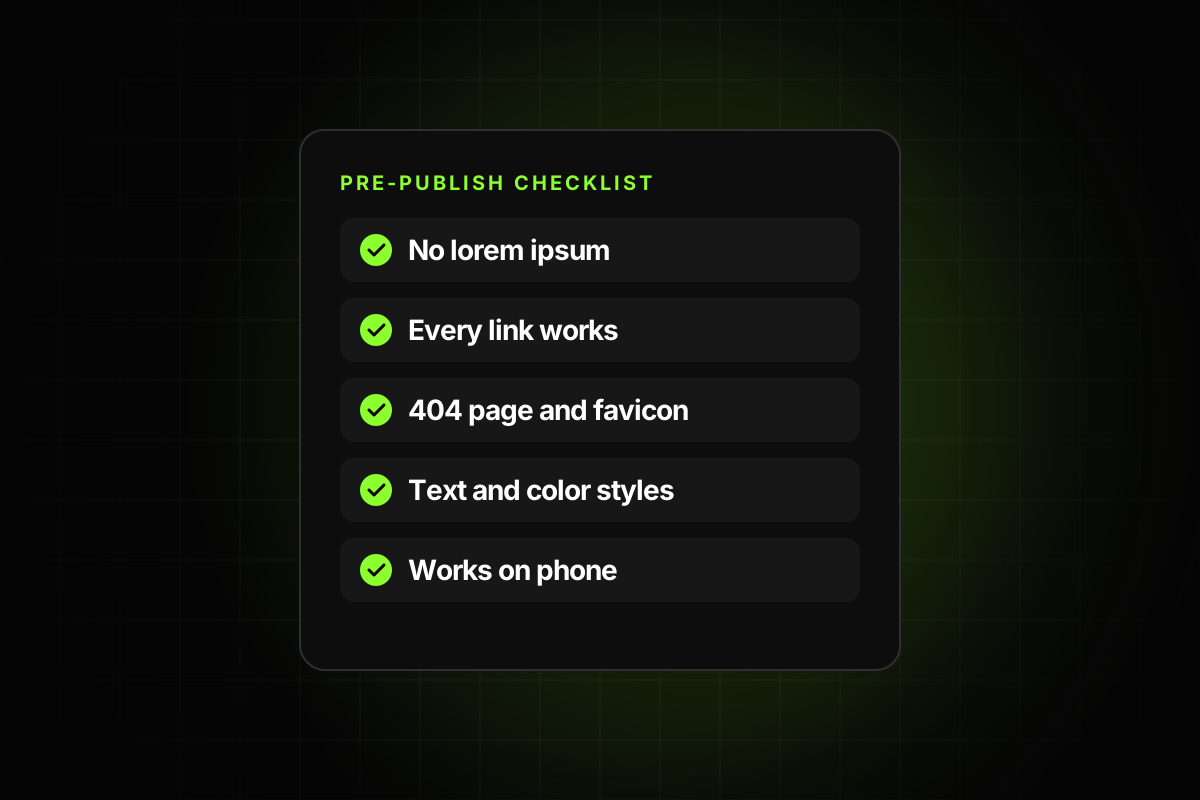
Buyers can’t see your layer panel before they pay, but they feel it afterwards. A template with text styles, color styles, components and a tidy CMS gets fewer complaints and better word of mouth. That’s what lets a $129 price hold up over time. Our guide on how to make a Framer template easy to edit covers what that involves.
Support and updates
Framer’s best practices ask that buyer-facing templates are “maintained and updated” and that “refund terms are clearly communicated.” A higher price comes with higher expectations, so only charge for what you’re willing to maintain.
Plan requirements
According to Framer’s pricing page, Basic costs $10 a month (billed yearly) with 30 pages and 2 CMS collections, and Pro costs $30 a month (billed yearly) with 150 pages and 10 collections. If your template needs Pro, the buyer’s real cost is your price plus a more expensive plan. That doesn’t mean you should charge less, but say it on the listing, so nobody is surprised.
How to price a Framer template, step by step
Find five comparable templates on the Marketplace: same type, similar number of pages. Note their prices.
Place yours honestly among them, based on scope and finish, not on hours spent.
Use a common price point such as $49, $79, $99 or $129. Odd numbers like $83 look random.
Write down why. If you can’t explain the price in the description (pages, CMS, components), the buyer can’t either.
Three examples
These are illustrations of the method, not price recommendations. Use real comparable listings for your own numbers.
A one-page waitlist template. One page, a form, no CMS. Comparable templates are often free. A free release that earns remixes and referral income is a reasonable choice, or a price at the low end of the paid range.
A five-page agency template with a blog. Home, about, services, contact and a blog with detail pages, built on styles and components. This is the middle of the market, around the $79 to $99 points many creators use.
A full SaaS site. Fifteen or more pages, three CMS collections with detail pages, light and dark modes, setup notes and a changelog. This is where $129 to $149 makes sense, with the plan requirement stated clearly, since three collections already exceed Basic.
Bundles, discounts and versions
Once you have more than one template, a few options open up:
A free and a paid version of the same design. The free one has the home page; the paid one has every page and the CMS. The free version earns referrals and sends buyers to the paid one.
Launch discounts set on your payment platform for the first week, announced in the Community feed.
Bundles of related templates sold through your own checkout. Framer’s publishing guide notes you can also sell your template on other platforms, so a bundle on your own site doesn’t conflict with the Marketplace listing.
When to change your price
You can edit the price on your listing and checkout at any time. Reasons to raise it:
You added pages, collections or features.
Sales are steady and support requests are rare.
You have reviews and a track record.
Reasons to lower it, or run a launch price:
The template is new and has no reviews yet.
Comparable templates are cheaper and equally complete.
You want a burst of remixes for visibility.
Change one thing at a time, and give it a few weeks before you judge the result.
Make the price easy to trust
A buyer deciding between $49 and $129 wants proof that the extra money buys something. Some things that help:
A description that lists exactly what’s included.
Preview images from the real template, including inner pages.
A working live preview.
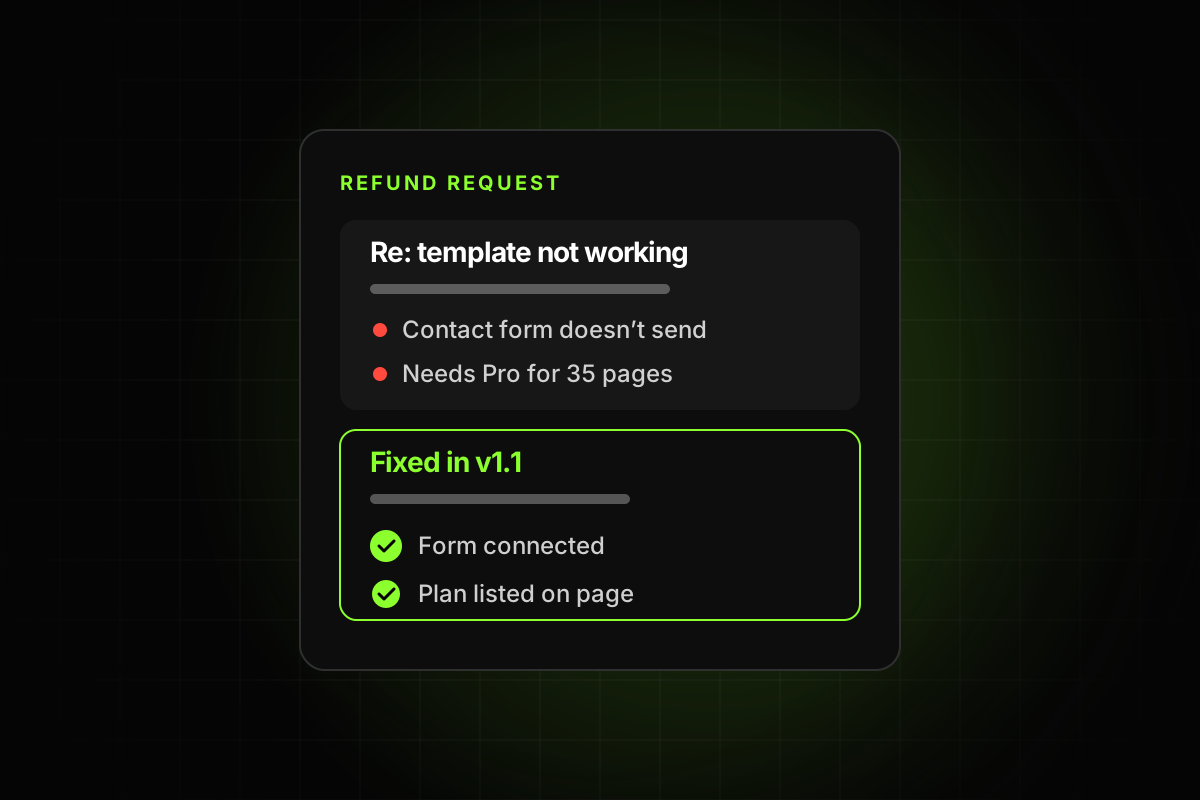
A clear refund policy. See why Framer template refund requests happen.
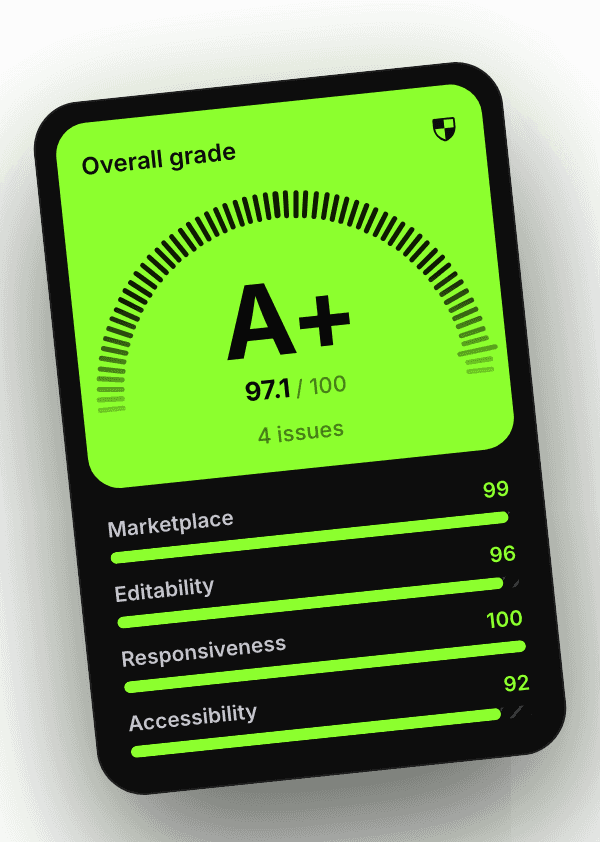
Evidence of quality you can link to, like a shared report from the Framer template checker, which shows a grade and the date it was checked.
Pricing is one part of the job. For the rest, from checkout links to support, read how to sell Framer templates in 2026, and for getting seen once you’re live, how to stand out on the open Marketplace.