Marketplace
How to sell Framer components with AI: the $3k a month volume game
How to sell Framer components in 2026: what sells (galleries), building them with AI, Dodo Payments vs Polar fees, delivery and why it’s a volume game.
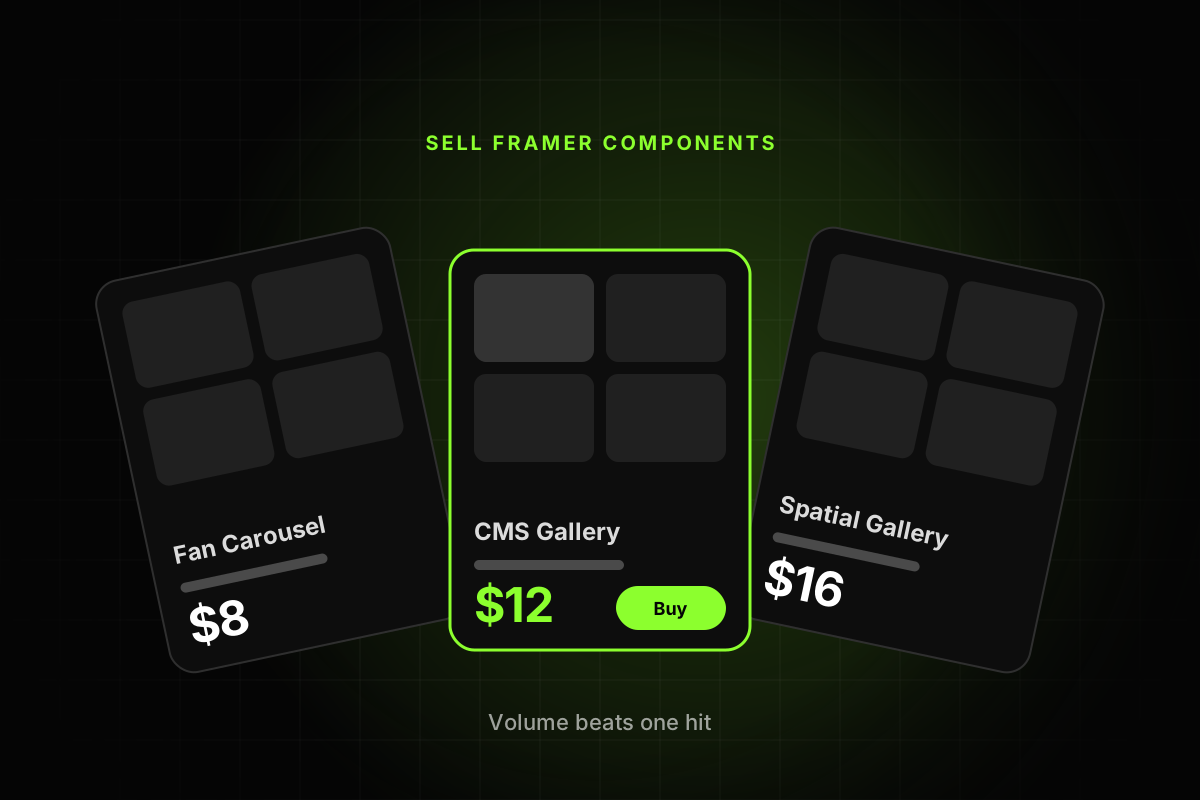
A designer we know makes around $3k a month selling Framer components. Just components, nothing else. And every week looks about the same: he opens Framer on Monday and builds components until Friday.
That’s the whole trick, if you can call it one. Components are cheap and each one sells once. Nobody pays you again next month. So the people making real money from them ship a lot of them. This guide covers what sells on the Framer components marketplace right now, how to build components fast with AI without them looking generated, whether to take payments with Dodo Payments or Polar, and how to deliver and publish so every sale is counted.
Why selling Framer components is a volume game
Do the maths on one listing. On November 18, 2026, most paid components on the Marketplace components page cost between $8 and $12. Sell a $10 component 30 times in a month and you’ve made $300 before fees. To get to $3k you need ten listings doing that, or one that blows up (rare).
Templates have a safety net that components don’t. When someone remixes a template and upgrades to a paid Framer plan, the creator earns a referral commission. Framer’s Creator Program page says plugins, components and vectors “do not generate referral commissions”. A component pays you once, at checkout.
So you’re building a catalogue. Every new listing is another lottery ticket and another reason for a buyer to click through to your profile, while the older ones keep selling in the background.
What’s selling on the Framer components marketplace
We went through the first 25 listings on the components page on November 18, 2026. 23 were paid and 2 were free. Prices ran from $3 to $16, and most sat between $8 and $12.
Roughly half of them were galleries or carousels. CMS Spatial Gallery, 3D Spatial Gallery, CurveWall Gallery, CMS Fan Carousel, Prism Curve Carousel, Phone Stack Carousel. It makes sense once you think about who’s buying. Designers build portfolios and studio sites all day, and the project gallery is the section where a visitor is supposed to stop scrolling. A gallery that does something strange and good with depth or curves is easy to picture on a client site. They see the preview, they want it.
The rest were mostly text effects (Motion Text FX, Ink Bleed), cards, accordions, footers and navigation. A handful of sellers, Interface Studio, Axis Supply, Oddframe and Saadat Ali among them, had several listings each in that top 25. Volume again.
If you’re choosing your first ideas, start with crazy galleries. Spatial, curved, stacked, scroll-linked, CMS-powered, whatever makes a portfolio look expensive. Branch out later, once you see what designers keep asking for in the Framer Community.
Design first, even when the component is a function
Some components are pure function, like a filterable CMS list or a pricing toggle. Doesn’t matter. The person buying it is a designer, and designers buy with their eyes.
That moves where your hours go. The preview page is the product page. If the motion feels good and the default images look like a real portfolio, people buy. If it looks like a demo from a code tutorial, they scroll past, even when the code underneath is better than everything around it.
The previews that sell tend to get the small things right: easing with some weight to it, real images in the default state, defaults that look finished the second the component lands on a page, and one moment that makes someone go “oh”. Framer’s component best practices ask for components that are “visually polished and production-ready”. Buyers expect more than that, honestly.
How to build Framer components with AI
AI is the reason one person can ship a component a day now. But it’s fast at the boring 80% and bad at the part buyers pay for.
For canvas components (frames, stacks, variants and interactions), the Framer Agent can build the structure from a prompt. Give it a tight brief: what the component is, which variants it needs, what a buyer should be able to change and how it should move. Our guide to designing with Framer Agents has the prompting habits that keep its output clean.
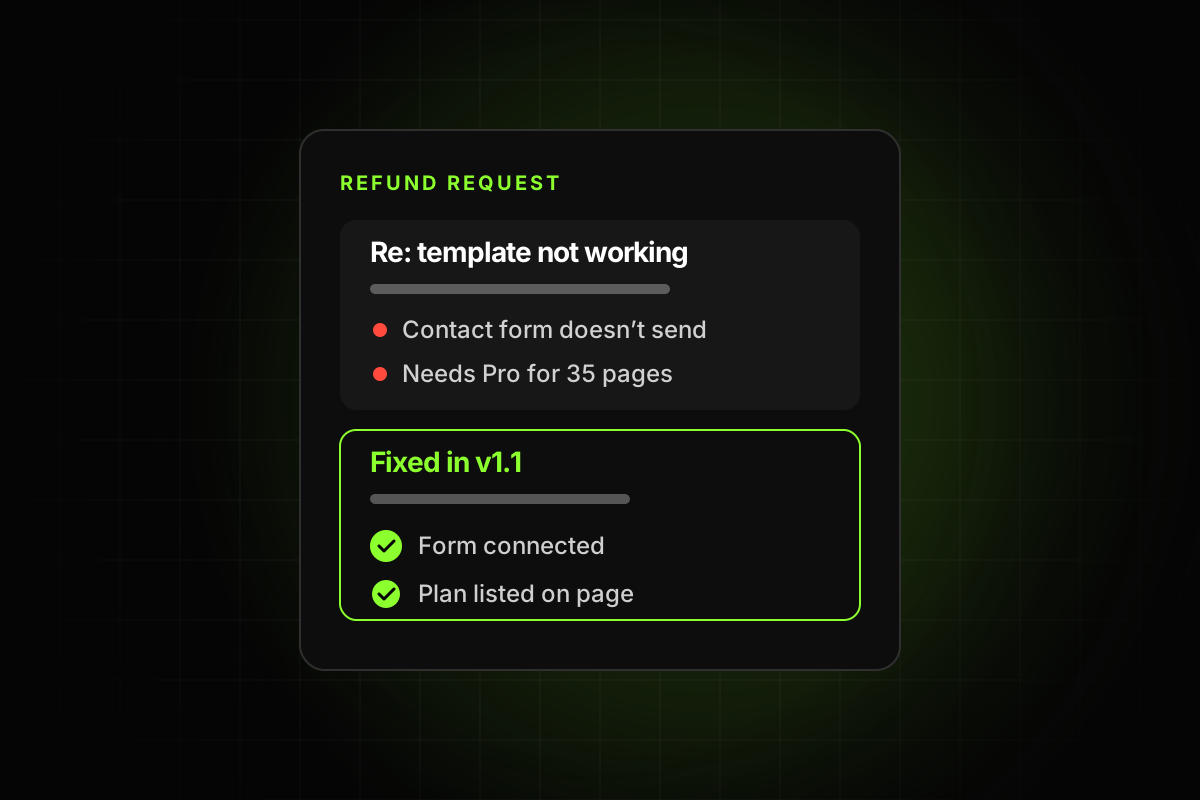
Code components are where AI saves the most time. A 3D gallery or a physics pile of tags is a React component with real logic, and Claude Code, Cursor or Codex can write a first version in minutes. You can connect those external agents to your Framer project, or paste the generated code into a code file yourself. Ask for property controls from the very first prompt. A code component without controls is one the buyer can’t change, and that turns into a refund.
Then do the design pass yourself. Tune the easing curves by hand and swap the placeholder images for good ones. Delete the glow and gradient the model added because it thought you’d like them. That pass is what decides whether your listing looks like the top of the components page or like every other AI demo floating around X.
Make it easy to use, or it comes back as a refund
Framer’s best practices page is short and worth following. For a paid component, these are the parts buyers notice:
Properties for anything a buyer will change, like images, text, colors, speed and the number of items.
Clear names on the component, its layers, variants and properties, with controls in a sensible order.
Layouts that work on mobile, tablet and desktop, with no horizontal scroll.
Animations that don’t cause layout shift, and no unused assets or layers left inside.
Code only where it does something the canvas can’t.
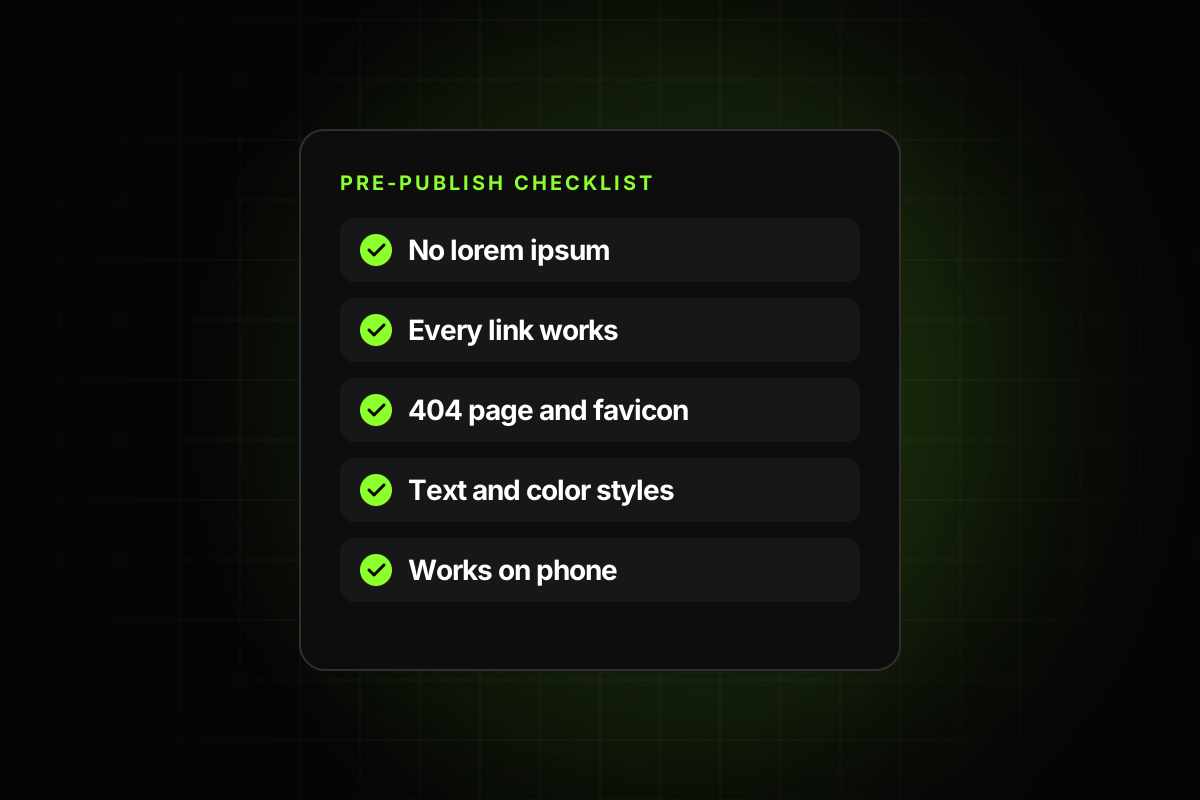
Then test it in a blank project. Drop it in, change every property, resize it, put it inside a stack. Anything that breaks for you will break for a buyer at 11pm the night before a client deadline.
Dodo Payments or Polar: how to get paid for Framer components
Framer doesn’t process payments for Community products. Its payments help article says you can use “any platform that provides a direct payment link”. You paste that link into your listing, and buyers land on it when they click Purchase.
For components, two processors make the most sense: Dodo Payments and Polar. Both are merchants of record, so they collect and pay sales tax and VAT for you in whatever country your buyer lives in. When you’re selling $10 items to designers all over the world, that alone is a good reason to pick one of them over plain Stripe.
Fees, as listed on their pricing pages in November 2026. Dodo charges 4% + 40¢ per US card payment, plus 1.5% for international payments, and standard payouts are free (non-US sellers taking USD by SWIFT pay $25 per transfer). Polar’s Starter plan is 5% + 50¢, plus 1.5% for international cards, and payouts through Stripe cost $2 for each month with active payouts plus 0.25% + 25¢ per payout. Polar’s paid plans bring the rate down, to 3.4% + 30¢ at the top tier.
On a $12 component bought with a US card, Dodo keeps 88¢ and you get $11.12. Polar Starter keeps $1.10 and you get $10.90. An international card costs another 18¢ on either. The fixed part of the fee hurts more the cheaper your component is, which is one more reason to sell bundles at a higher price once you have a catalogue.
Pick one and move on. Dodo is a little cheaper at component prices, and Polar has a nicer dashboard. Neither choice will decide whether you hit $3k.
Deliver the Component URL, never a remix link
Get this wrong and your listing looks less popular than it is. Framer’s guide to delivering paid components says installs “are only tracked when a customer installs your component using its Component URL.” Send a remix link and the buyer gets a disconnected copy, and your Marketplace dashboard never sees the install.
Both processors can send the link for you. Dodo’s digital product delivery lets you attach files or a secure external link to a product, so the Component URL lands in the buyer’s inbox right after payment. On Polar, add a file download benefit with a one-page PDF that has the Component URL and a few lines on installing it. Write those install steps either way, because someone will paste the link into the wrong place.
Publish the listing
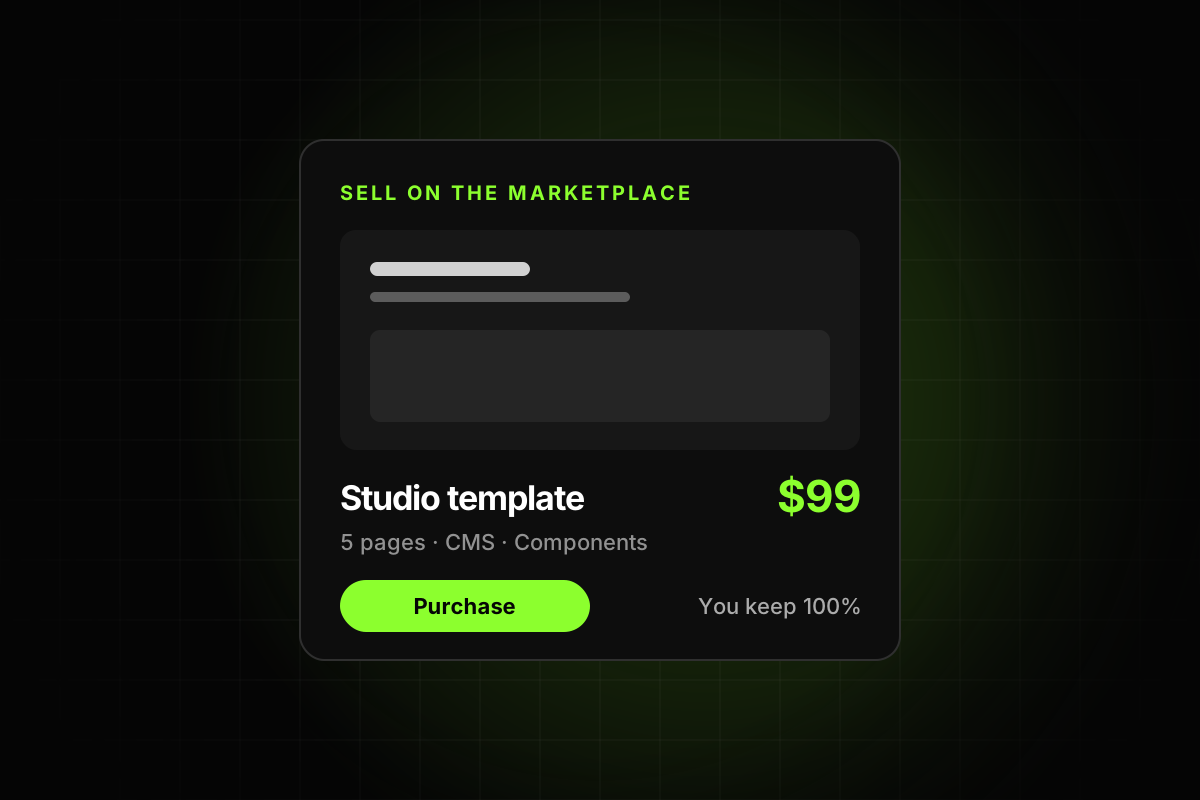
From Framer’s guide to publishing a component: in Framer, open the Assets panel, right-click the component and choose Copy URL. Then in the Marketplace, open the menu at the top left, hover over Creator and pick New Component. Fill in the Component URL, name, byline, description, preview URL, images, categories and price, and click Submit. It goes live straight away. There’s no review, and you keep 100% of the revenue.
Keep the preview page about the one component. Framer asks for a focused live preview, ideally with a single visible instance, and a thumbnail that clearly shows the component with minimal text. Write the description for someone skimming: what it does and which properties they get. Mention it if the component needs the CMS.
A weekly routine built on volume
We don’t know the exact calendar of the designer from the top, but a week built on the same idea looks something like this:
Monday: check what’s near the top of the components page and what people ask for in the Community, and pick two or three ideas.
Tuesday to Thursday: build one component a day with AI in the morning, then spend the afternoon on the design pass and the preview page.
Friday: publish, then post each one in the Community feed and on X. Support emails get answered in the gaps all week.
Price new ones close to the market ($8 to $12) and raise the price on the ones that keep selling. Our post on how to price a Framer template is written for templates, but most of it carries over. For getting listings seen in the first place, read how to stand out on the open Framer Marketplace.
Ship one this week. Make it a gallery.